A Stopwatch for Structured and Freeform Routines
Context
A stopwatch that doesn’t reset your brain on every lap
Every timer app I’d used treats a workout, a cooking session, or a study block as one flat list of splits: you start, you tap lap, you stop, done. That’s fine for a single run. It falls apart the moment your day actually looks like warm up, five fast/slow intervals, cool down, a structured sequence, not just a pile of times.
I wanted to define that structure once, save it, and re-run it on demand, while still keeping the option to just start a stopwatch and tap laps freely when I don’t want to plan ahead. Both needed to live in the same app, save to the same history, and feel like one coherent product, not two bolted-together features.
Building with Claude Code
When it got something wrong, I explained the whole idea again
The idea was mine. Claude Code wrote the code. When it built something wrong, I rewrote the prompt and explained the whole idea again.
The Logo
Finding the mark in the name, not the stopwatch
The first instinct was to draw the obvious thing: a stopwatch, a running track, a segmented circle counting down. All of it looked like every other timer app already on the Play Store. None of it felt like mine.
The mark that stuck came from a different direction entirely: Pheidippides, the Athenian messenger who ran roughly 332 miles in five days in 490 BC to deliver word of a battle won. His name starts with φ (phi), a letter that’s also the golden ratio, and that visually is just a circle bisected by a line. Drawn out, that’s already what a lap is: the circle is the loop, the line is the start and finish you keep returning to.
A lap is an overlap. You return to where you started, but you’ve changed.
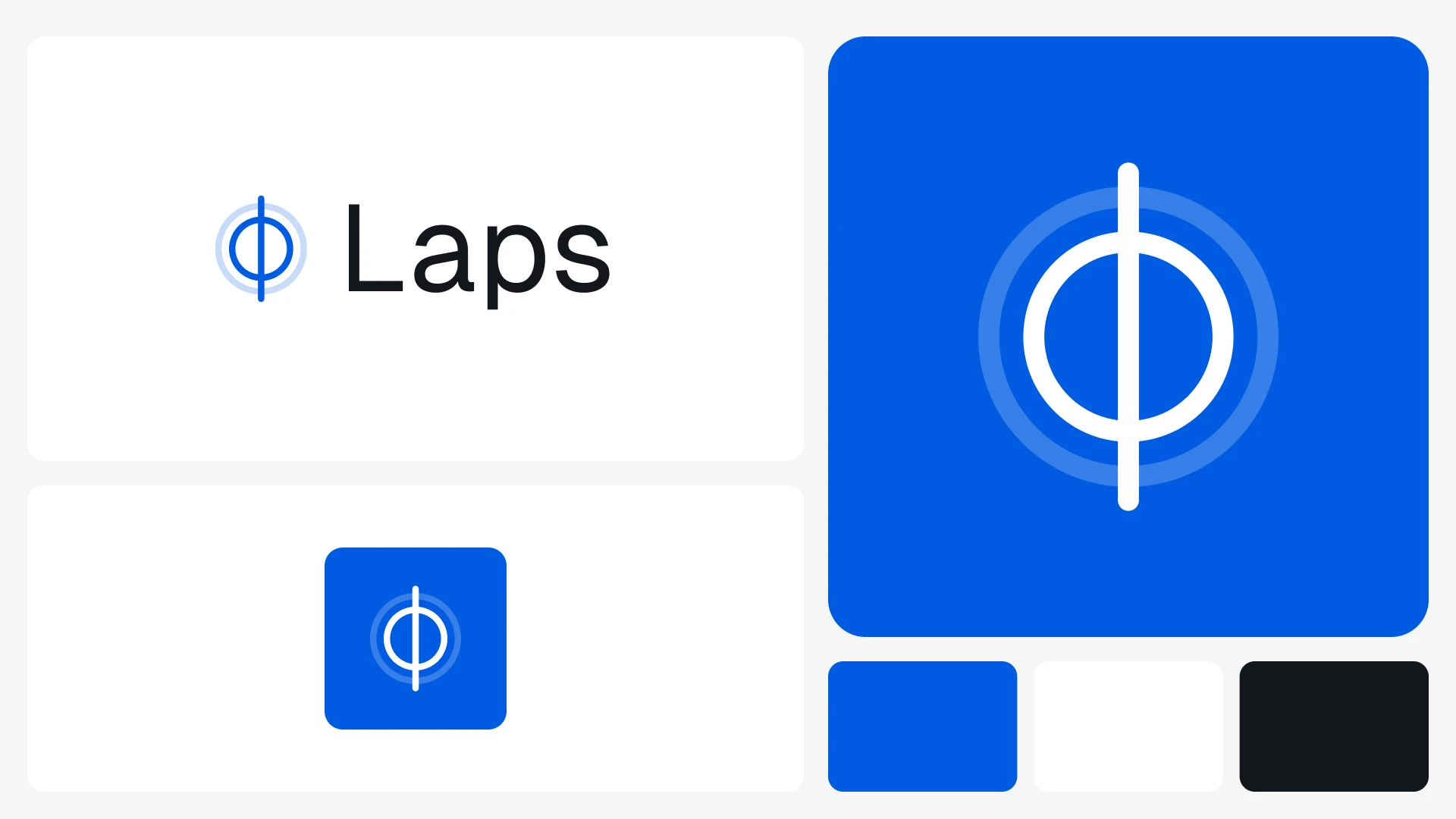
Two circles, one line: a faded outer ring for the lap you just finished, a solid inner ring for the one you’re running now.
Managing Two Run Types
One app, two very different ways to run it
The app supports two fundamentally different ways a session can happen, and each needed its own logic, while still landing in the same history, through the same ending flow.
Template Mode
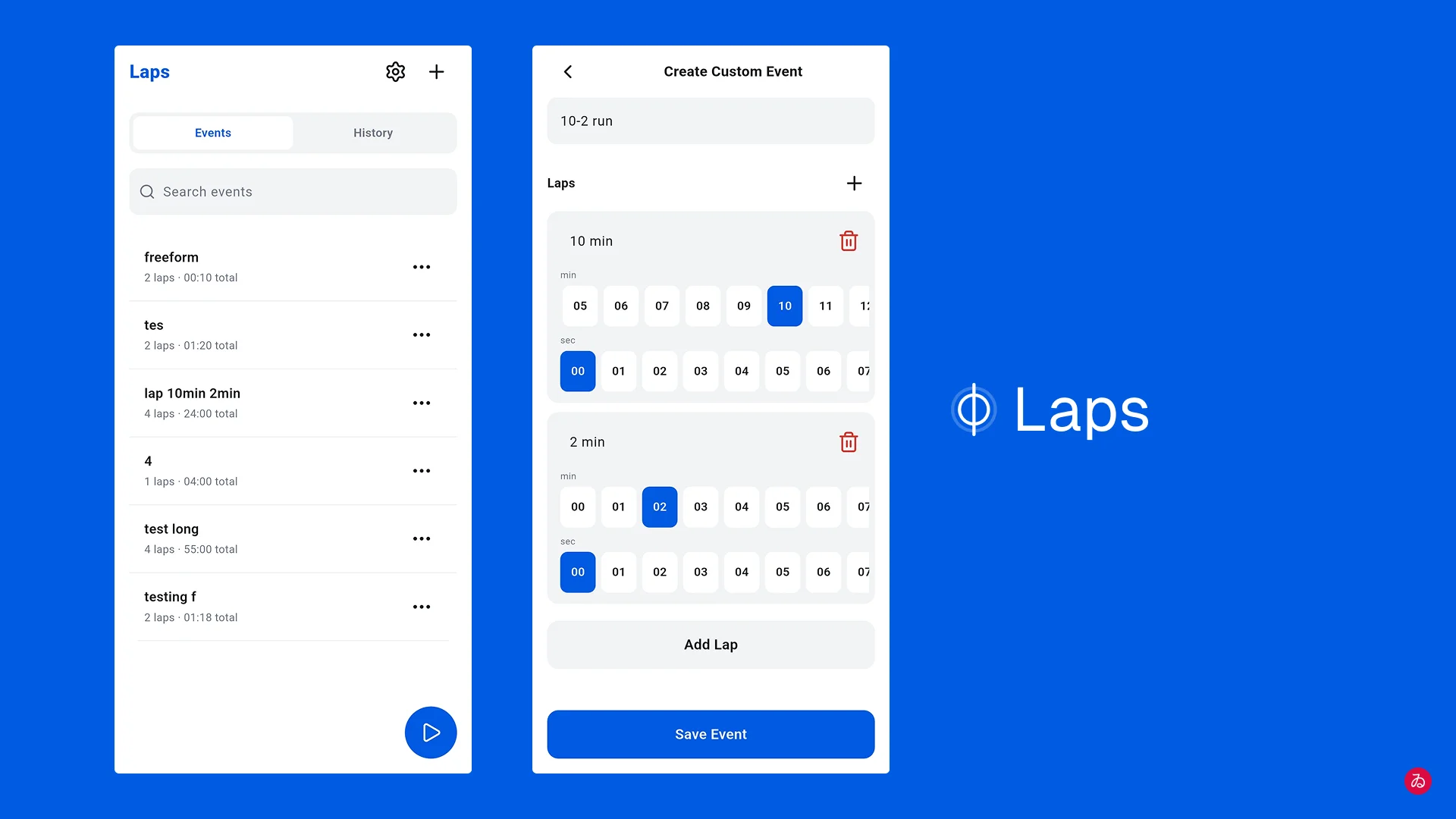
The planned run. You build the sequence ahead of time, a label and a duration per segment, and save it as a reusable event. Once you hit start, the countdown runs itself: it auto-advances through each segment, fires a sound-and-vibration alert at every transition, and auto-finishes the moment the last one ends. You’re not meant to touch the phone again until it’s done.
- Pausing or skipping a segment early still records what actually happened, not what was planned. A segment skipped at 2:10 out of a planned 3:00 shows 2:10 in history, never 3:00.
- Building a template needs zero timer interaction at all. It’s a plain form: label, duration, “Add Lap” duplicates the row. Done before the stopwatch ever starts.
Building a template: a label and a duration per segment.
Hit start, and the countdown runs itself.
Freeform Mode
The improvised run. No plan, no segments defined ahead of time, just start a stopwatch and tap “Lap” whenever you want a split. It exists for exactly the sessions where you don’t know the structure until you’re already in it.
Both modes converge on one ending flow: a confirmation dialog with a “save to history” checkbox. Ending early either keeps the attempt as an incomplete record or discards it outright, a deliberate choice every time, never an assumption.
No plan. Just start, and tap Lap whenever you want a split.
Planned or improvised, every run lands in the same history.
Edge Cases
Where the plan meets a stray tap
Accidentally Replacing a Run in Progress
Early on, tapping a different saved event while one was already running would silently mark the running one “incomplete” and start the new one, no confirmation. One stray tap on the list and you’d lose a real run. Fixed with a confirm dialog specifically for this path, while keeping the deliberate version of the same action, starting fresh on purpose, frictionless.
Auto-Navigate to Results on Finish
Whether a run ends by completing every segment or by an explicit “Finish,” the app now jumps straight to that run’s history detail page. You land on your results, you don’t have to go find them.
Audio Ducking Instead of Stealing Focus
The alert sound was fully pausing whatever music or video was already playing. Switched the audio session to a “duck” mode instead: everything else just gets quieter for a second and resumes, rather than stopping outright.
Testing & Iteration
Every real bug came from using the app, not reading the code
Every meaningful bug in this project was found by using the finished feature on a real phone, not by reading the code:
- A 1-hour, then a 2-hour, real background run (screen off, phone in normal use) surfaced a two-in-progress-runs race condition and a cut-off finish sound, neither reproduced in short manual tests.
- Sound went through three complete implementations before one actually worked reliably: a system UI click (too quiet), the notification channel’s own sound (locked in by Android the first time that channel is created, so later fixes didn’t apply), and finally a bundled tone played directly, the one that stuck.
Next case study
Spend Tracker
Every entry meant the same six taps, a week at a time